
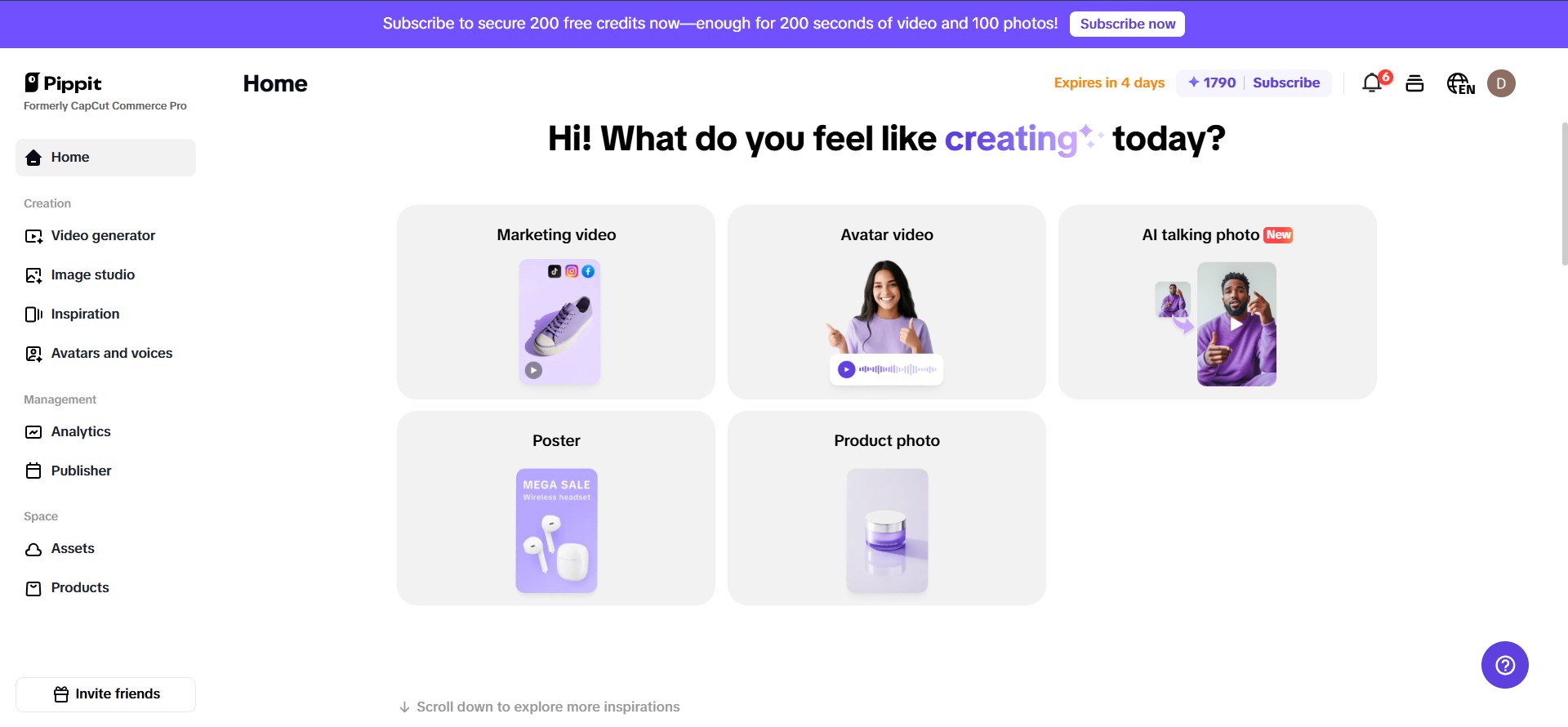
The pictures you use in your email campaign are quite important to how people respond to your message. But here’s the catch: if your PNG images are too big or not the right size, your emails can take a long time to load or seem unprofessional. That’s why both marketers and designers need to know how to scale PNG images in a natural and useful way. pippit.capcut.com (previously Capcut Commerce Pro) is an easy and quick way to resize PNG files without compromising quality. This makes your email campaigns appear sharp and load rapidly.
Images are very important for email marketing since they attract people’s attention and make your message obvious. Emails with big pictures can take a long time to load, which can annoy your readers and make them delete your letter before they read it. On the other hand, pictures that are too small or not enlarged correctly can look blurry or pixelated, which hurts your brand’s trust. Finding the perfect balance is important, and that’s where a good PNG resizing tool like Pippit AI comes in.
Why resizing PNGs matters for email campaigns
PNG files are popular because they let you have clear backgrounds and make images that look great. But compared to other formats like JPEG, they usually have bigger file sizes. This can be a problem in email marketing, when every kilobyte matters. Big pictures make emails take longer to load and can set off spam filters, which makes your campaign less effective.
When you resize PNGs correctly, your photos will fit neatly in your email layout, load quickly, and stay sharp. This makes things better for users and makes it more likely that your recipients will interact with your content. Resizing PNGs isn’t just about making the image smaller; it’s also about doing it in a way that keeps the image clear and keeps vital elements.
How to resize PNG images naturally with Pippit
Pippit makes it easy and smooth to resize PNG graphics for your email campaigns. Follow these three simple steps to get your photographs ready for any email platform without compromising quality or clarity.
Step 1: Upload your PNG image to Pippit
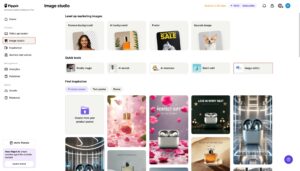
First, sign in to Pippit AI and click on “Image Studio.” Upload the PNG picture you want to resize to the “Image Editor” here. You don’t need to be a design expert to use the interface; it’s incredibly easy to use. If you upload your picture correctly, you can resize it as you like while keeping it sharp and clear.
Step 2: Choose the right size and aspect ratio
Next, choose one of Pippit’s pre-set sizes or add your own unique sizes that work for your email campaign. Pippit AI helps you resize naturally while retaining the original dimensions, whether it’s a header, product shot, or button image. This will keep your PNG from looking hazy, squeezed, or stretched.
This step is necessary since different email programs and devices display photos in different ways. If you change the size correctly, your pictures will look amazing on PCs, tablets, and phones.
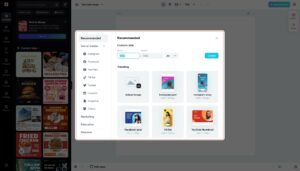
Step 3: Preview and save your resized PNG
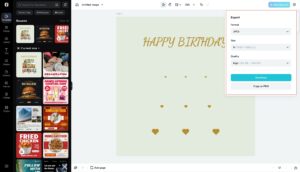
Before you send your email, utilize the preview option to check how your resized image will look. This lets you find problems like blurriness or bad alignment early on. Export the image if everything seems good. Pippit AI will make a high-quality PNG file that is suitable for email. It will be clear, sharp, and small enough that it won’t slow down download.
Optimizing PNG images for better email performance
There are a few obvious ways to improve the results of your email marketing by optimizing PNG graphics beyond just resizing them:
- Make sure the file size is little yet the quality is high: Email takes longer to load when there are big files. Pippit AI makes files smaller without losing quality, which speeds up email without changing how it looks.
- Be smart about how you use transparent backgrounds: PNGs can be transparent, which is useful for putting graphics on top of colored email backgrounds. If your design needs this feature, make sure your resized PNG has it.
- Resize in batches to save time: Pippit’s batch processing allows you to resize all of your PNG pictures at once if your campaign employs more than one. This saves you time and makes sure that all of your email content is the same size.
Common challenges when resizing PNGs and how to avoid them
It may appear easy to resize PNGs, however there are problems that come with it. Here are some frequent problems and how to deal with them in a natural way:
- Loss of image quality: Don’t stretch or compress photographs too much. Use tools like Pippit to always keep the original aspect ratio.
- The file is too big: After resizing your PNGs, compress them to make the file size smaller without losing quality. Pippit AI takes care of this for you.
- Image sizes that don’t match: To keep all of your photographs the same size, use batch resizing. This will help your emails look clean and professional.
Conclusion
To make email campaigns that work and look well, it’s important to resize PNG graphics the right way. Using the correct tools and methods makes sure that your emails load quickly, appear professional, and get your point across. You can resize images effortlessly with Pippit AI as your trusted PNG resizer. You don’t have to worry about losing quality or going through a lot of steps.
You may get properly optimized photos that will help your email marketing by following these simple steps: importing your PNG, choosing the right size, and previewing it before exporting it. Keep in mind that the proper image size not only looks better, but it also makes the user experience better, which makes your campaigns more interesting and successful.
Use Pippit’s free online PNG scaling tool to make your work easier and make beautiful email visuals that stand out. Your readers will like the clear, quick-loading pictures, and you’ll feel good knowing that your emails always look their best.
We’ve got the edge. Get real-time reports, breaking scoops, and exclusive angles delivered straight to your phone. Don’t settle for stale news. Join LEADERSHIP NEWS on WhatsApp for 24/7 updates →
Join Our WhatsApp Channel